Aug 12, 2014

FON-Tastical

FON-Tastical Featured Image.jpg
Do you ever get lost reading blog posts? One blog post will lead to another, and then another blog’s post will lead to yet another blog’s post, and you get the idea. Well this happened to me yesterday and before I knew it the day had ended and I realized that I’d barely scratched the surface when it came to today’s blog post. So, here we are and thankfully I managed to complete it and, I’m just glad because now I get to share it with you wonderful people.

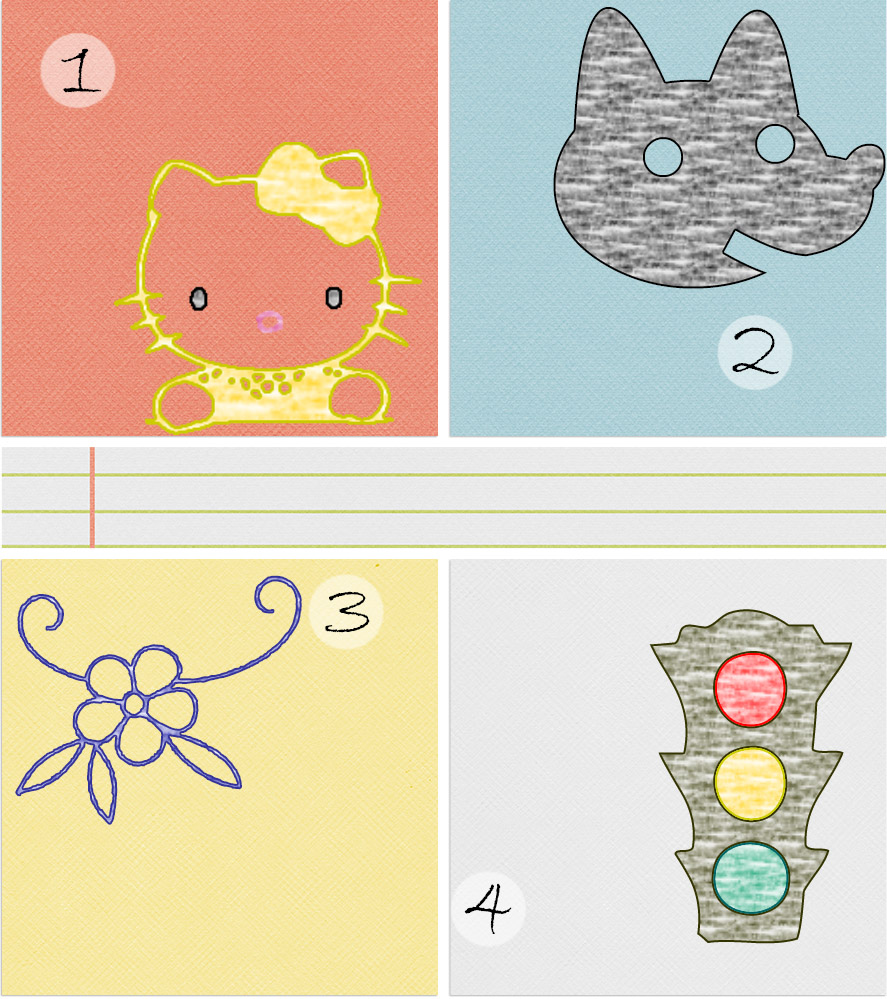
Just by looking at the above image you might have suspected that we’d be discussing cheese however, that’s not exactly true. Anyways, by looking at the title I’m sure you figured that we’ll be discussing fonts. Not just any fonts, but dingbat fonts. Now if you’re unfamiliar with dingbat fonts you might be wondering what the heck they are! That’s how I felt when I first found out about them but I can assure you that they are absolutely, positively wonderful. I could go on and on about dingbat fonts but I think it’d be better if I show you what they are.
FON-Tastical Photo One.jpg
FON-Tastical Photo Two.jpg

Since you have an idea on what dingbat fonts are, if you weren’t already familiar with them that is to say, I’ve compiled a list of dingbat fonts from the prior image so that you can put them to good use. Also, look out for a future blog post on decorating blog post images, or anything else your little heart should ever desire, using dingbat fonts! By the way I’d like to give a special thanks to dafont.com for their wonderful, free selection of top of the line fonts! Enjoy :)


Question of the Day: Are you familiar with dingbat fonts, and if so how do you use them?

Aug 11, 2014

"Let's Get Digital, Digital"

'Let's Get Digital, Digital' Featured Image.png
Embellishing blog photos can prove to be quite a challenge, especially when you have to do it day after day, week after week, month after month and so forth. Well, I have a solution to any woes you may have had concerning this topic. That solution would be digital washi tape.


Digital washi tape is just like ordinary washi tape but you know, digital. In my case however, I don’t happen to own any non-digital washi tape! Every time I try to get my hands on some washi tape it just never ends up happening. Sad, I know, but we are not here to talk about my fruitless efforts at obtaining washi tape now are we!?


We are here to talk about the wonderful world of digital washi tape which is accessible to both you and I anywhere we have access to internet. The best place to find digital washi tape, (in my opinion) for the price of zero dollars and zero cents, is . . .Pinterest! Literally all you have to do is type in “free digital washi tape” and then you’ll be able to begin your digital washi tape shopping spree.


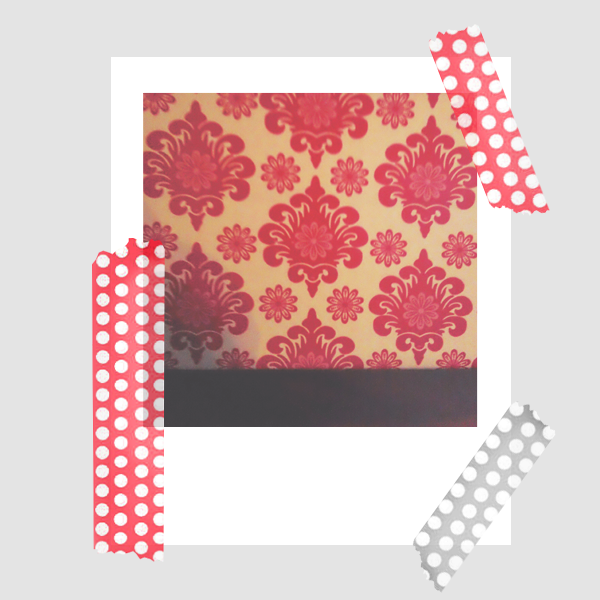
Before I push you all out of the nest and send you off on your merry way, I’d like to share a few of my favorite Pinterest results (concerning free digital washi tape anyways!). First up, we have a polka dot themed set of digital washi tape via atypicalenglishhome.com. I don’t know about you but I love me some polka dots so you know that it was love at first sight when I spotted these babies.
Lets Get Digital Digital Photo One.png


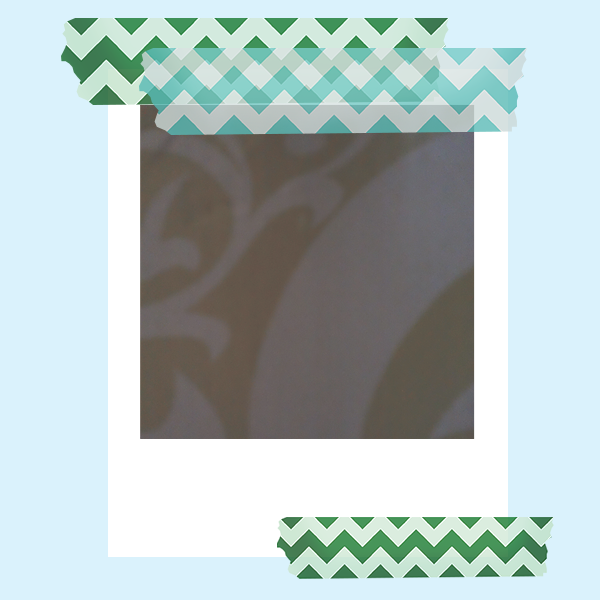
Next we have a chevron themed set of digital washi tape created by the ever so talented Angela, the author at atypicalenglishhome.com. You’ve got to admit that chevron is just as cute as polka dots (but I still think polka dots are cuter!).
Lets Get Digital Digital Photo Two.png


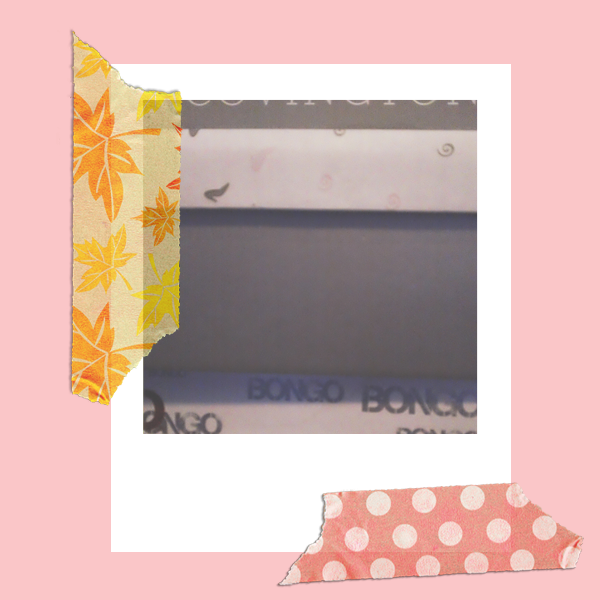
Last but not least we have a very decorative set of digital washi tape that was created by Doro via punktpunktkommastrich.blogspot.de. Of course my favorite would have to be the digital washi tape strip decorated with polka dots however, the digital washi tape strip decorated with maple leaves would definitely have to be my second favorite.
Lets Get Digital Digital Photo Three.png


We’ve come to the end of today’s post so please feel free to let me know how your digital washi tape shopping spree goes and “That’s all folks!”.

Question of the Day: What is your favorite way to jazz up blog photos? Blog photo templates? Another type of embellishment?

Aug 8, 2014

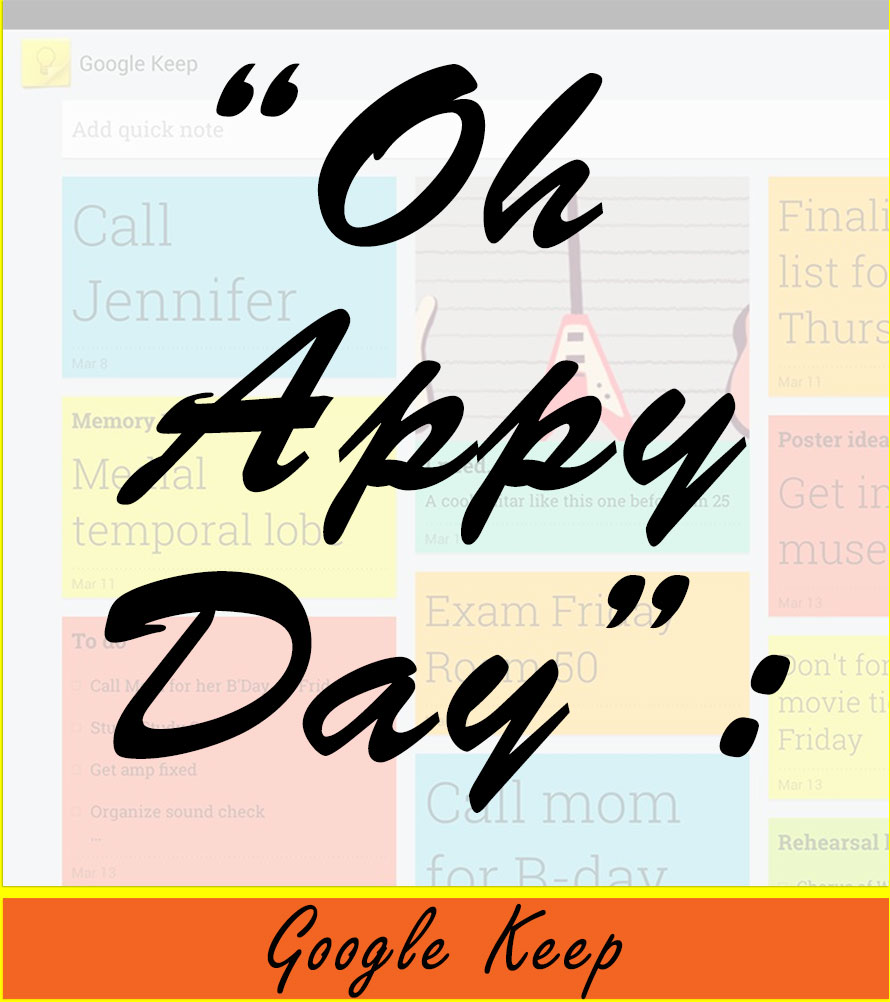
"Oh Appy Day": Google Keep

Oh-Appy-Day-Google-Keep-Featured-Image.jpg
If you are looking for a virtual substitute to sticky notes then look no further, Google Keep is here to save the day! Hip hip hooray!


Google Keep is similar to the default sticky note application that runs on most desktops but Google Keep is definitely better (well at least in my opinion)! In order to prove that Google Keep is better than all of the rest, I’ll be discussing the pros versus the cons.


Pros:
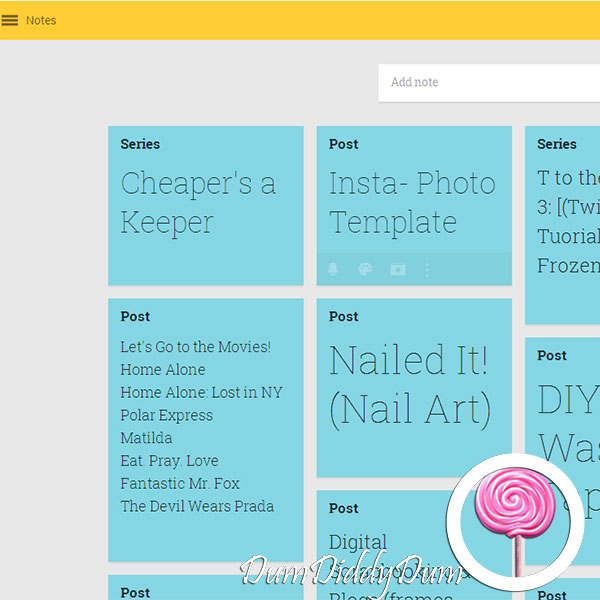
All of the sticky notes in Google Keep are organized so that you’re able to view the in both a quick  and efficient manner. With Google Keep there’s no need to click and drag through dozens of sticky notes just to find the one that you’re looking for.
Oh-Appy-Day-Google-Keep-Screenshot-1.jpg


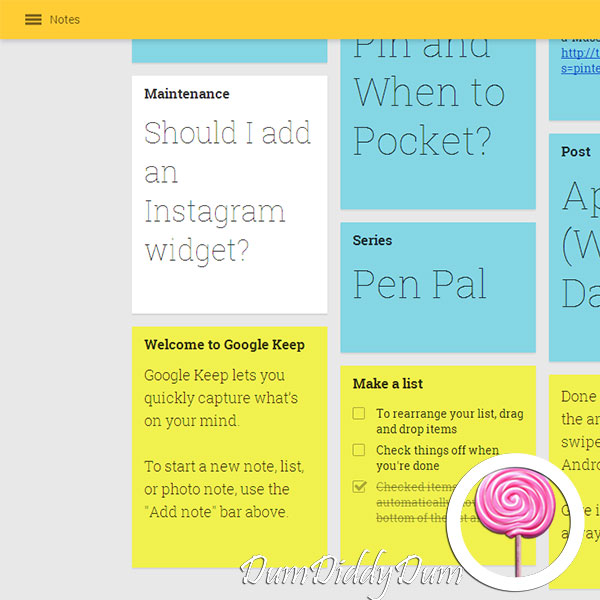
The text on each Google Keep sticky note automatically adjusts to the perfect size so that you can easily read each sticky note, no matter how little or how much text the sticky note may have.
Oh-Appy-Day-Google-Keep-Screenshot-2.jpg


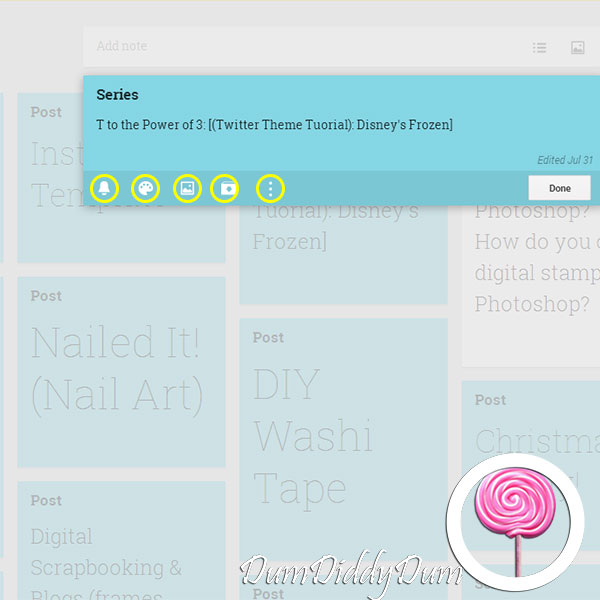
The last thing I’d like to highlight about Google Keep is that it’s fairly customizable, especially when compared to other sticky note applications. You can change the color of a sticky note, add an image, create a checklist, and etc. Honestly, sticky note applications don’t get any better than Google Keep.
Oh-Appy-Day-Google-Keep-Screenhot-3.jpg


Cons:
I do love the the fact that there’s more than one option when it comes to the color of a sticky note but, there just aren’t enough colors to choose from! Google Keep allows you to change the sticky note to one of eight colors (white, red, orange, yellow, grey, blue, teal, and green). Personally, this is upsetting to me because my favorite color is purple (but hey that’s just me).
Oh-Appy-Day-Google-Keep-Screenshot-4.jpg


Lastly, I find the reminder feature to be limited because it only allows you to receive desktop notifications unlike Google’s Google Calendar application which allows you to receive an sms, desktop notification, email, or all of the above as a reminder.
Oh-Appy-Day-Google-Keep-Screenshot-5.jpg


Overall, I give Google Keep a four out of five which is not too bad when you think about it. Keep it up Google (see what I did there).

Question of the Day: What are your go to apps for jotting down a quick idea or note? [By the way, did anyone notice my typo, (and if not, what typo?)]

Aug 7, 2014

a-MUSE-ing: Kelly Dixon @SmartSchoolHouse

a-muse-ing_kelly-dixon_smartschoolhouse_featured-image.jpg
Every once in a while in life we come across people whom we find to be quite a-MUSE-ing or in other words, a type of modern MUSE. The star of today’s post is Kelly Dixon the author at www.smartschoolhouse.com.

If you are already familiar with her work, you know that it’s absolutely phenomenal. Honestly, what’s not to love about Kelly and her website? Her website is pretty, simplistic, and well organized if you ask me. I love the pictures, I love the color scheme, I just love everything about her website.Don’t even get me started talking (or typing, lol) about the intuitive crafts section of her website . . . it is chock full of lovelies for you to do with your lovelies.

And if you love Kelly’s website just as much as I do, then you’re going to love her Instagram (@smartschoolhouse) which is just as colorful and fantastical! I just want to say thank you to Kelly for being today’s muse and that she’s an inspiration to me!

Question of the Day: Are you familiar with Kelly’s website, and if you are what’s your favorite part about it (and if you aren’t won’t you head on over and check it out)?

Aug 6, 2014

Work B*tch: My Favorite Insta-Yogis


Britney Spears song “Work B*tch” (I added the little asterisk there just to keep things a little more PG) inspired me to create this blog series, as you can see by the title. Today I’ve gathered a few Instagram videos from three of my favorite yogis on Instagram; yoga_girl, laurasykora, and gypsetgoddess. Most importantly I forgot to note that I love, love, love yoga and that it truly is a w-o-r-k-o-u-t!

First up, we have yoga_girl (and her Instagram video is linked below). Look at that, even her dogs are getting in on the action . . . in a way, lol!
yoga_girl.png

Next we have laurasykora (her Instagram video is also linked  below) proving that yoga is better when done with your loved ones. You go girls!
lauraskyora.png

Last, but not least, we have gypsetgoddess (her Instagram video too is linked below) and not only are her moves on point but so is her outfit! Where can I get myself a pair of leggings like that?!
gypsetgoddess.png

As you can see, these three lovely yogis prove that yoga is no joke and should not be overlooked when you’re in need of an intensive workout. So . . . get away from the screen and as Britney said, “You better work b*tch!”.

Question of the Day: Where is your favorite place to do yoga? On the beach? In the living room? In the backyard?

Aug 5, 2014

Textagram Tuesday: Quotes

Textagram-Tuesday-Quotes-Featured-Image.jpg
If I could describe Instagram in 3 words they’d be; dynamic, innovative, and inspirational. Funny, considering there are very few words (if any) to be found on most of the content you find on Instagram anyways!

Not entirely true when it comes to Textagram, a nifty little application for android that allows you to create Instagram content solely focused on, you guessed it,text.

I have a few examples for you all! But, due to a lack of creativity, (I don’t even know how that’s possible, lol) I decided to base my Textagram examples off of quotes. By the way these quotes are not mine, just so we’re all on the same page.

textgram_1406738631.png

textgram_1406739000.png

textgram_1406739836.png

Question of the Day: Does Textagram actually have a place on Instagram, or not? [(See what I did there?) lol]

Aug 4, 2014

T to the Power of 3: Disney's Frozen


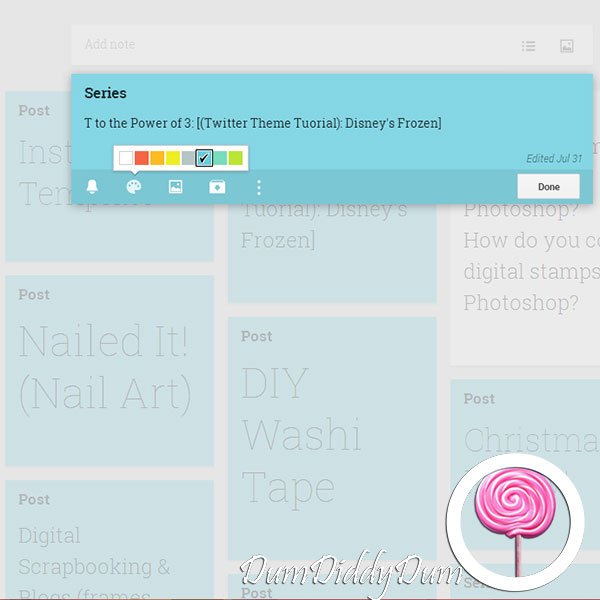
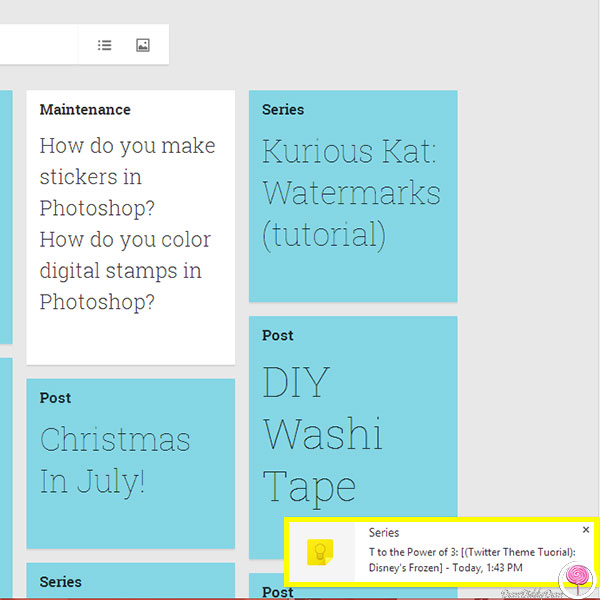
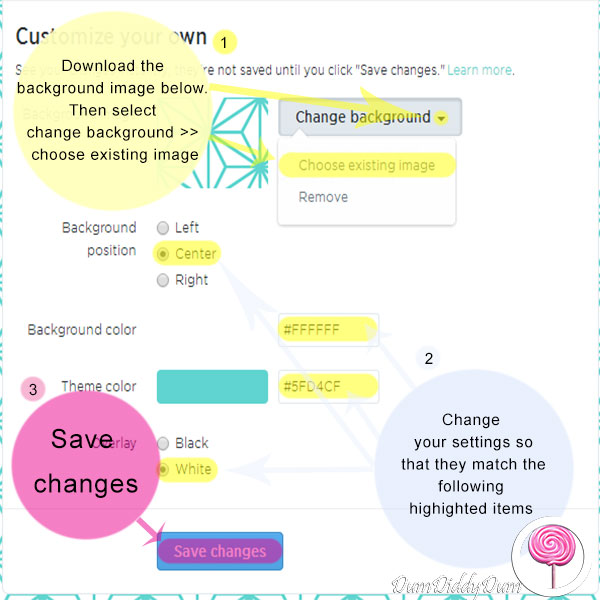
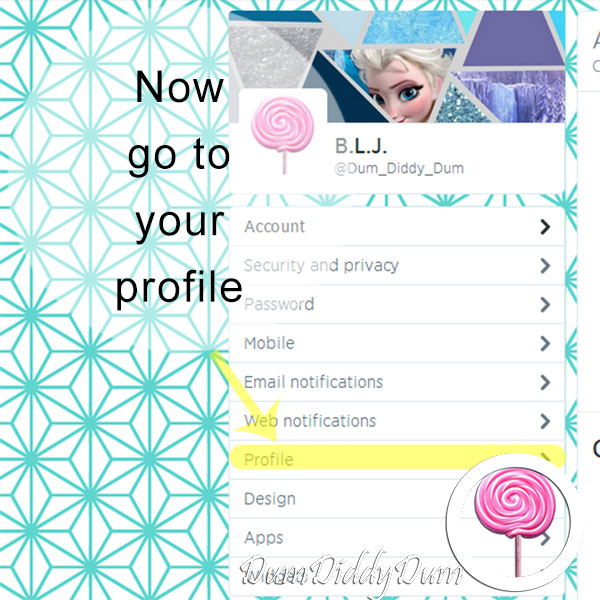
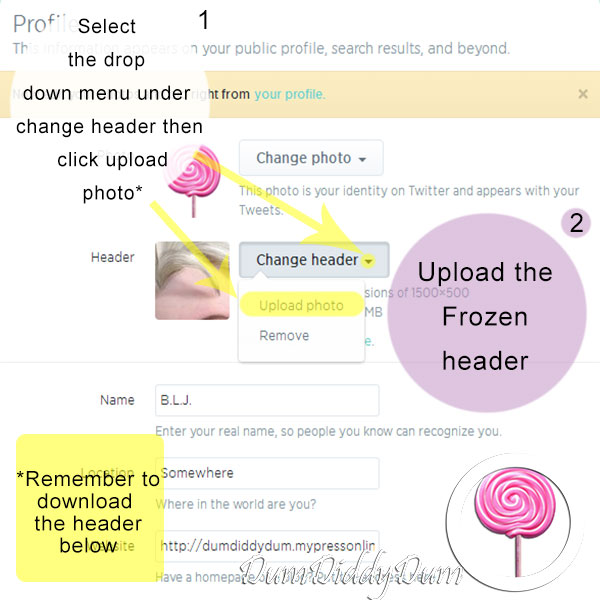
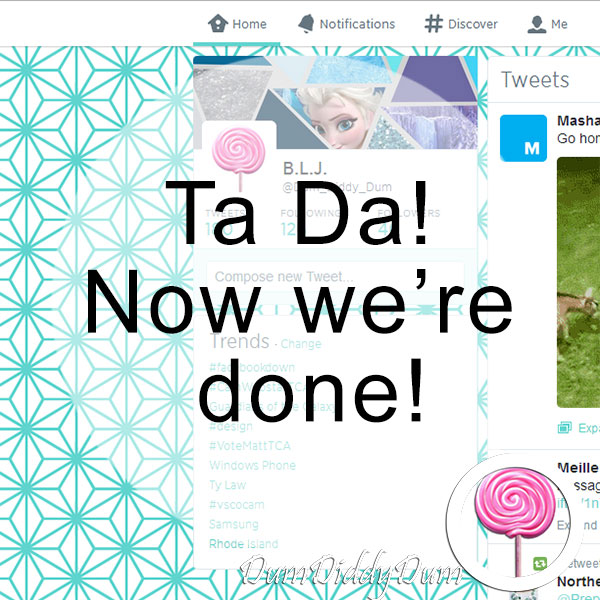
T to the power of 3 does not stand for t to the 3rd power, well at least not in this case, it actually stands for Twitter theme tutorial (try saying that three times fast!). I personally believe that it’s important to stand out on social media and believe that Twitter is no exception. On most social media sites, including Twitter, there’s a limitation on how much you can customize your twitter account. However, it is possible to customize Twitter to benefit your user experience and I’m going to show you how you can do that!


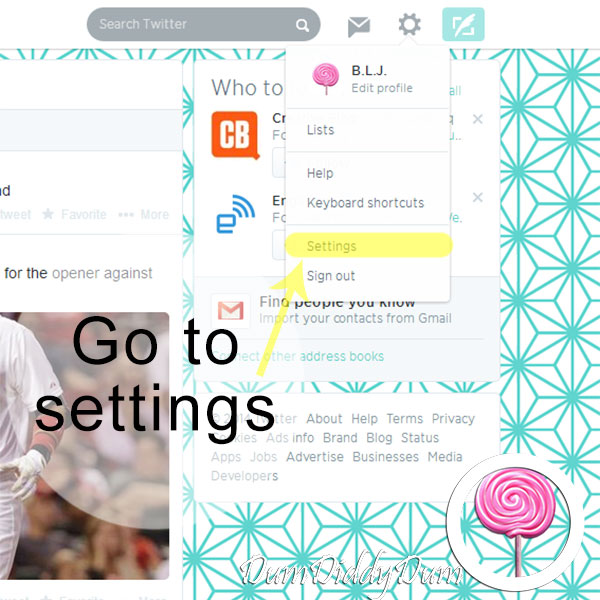
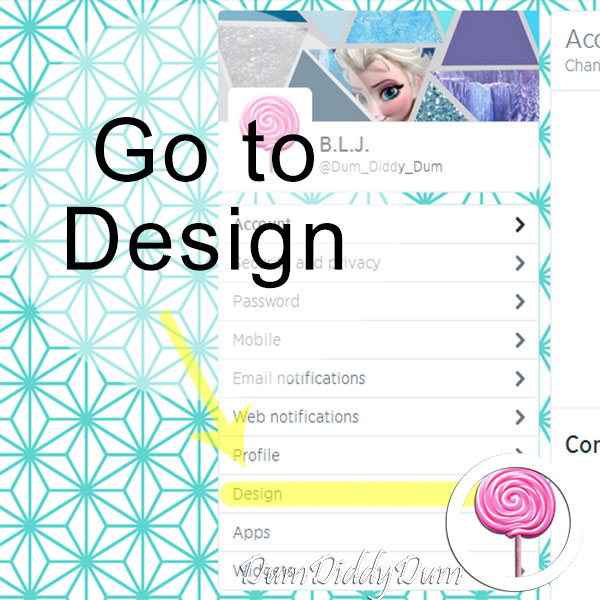
That being said, Twitter allows you to customize your header, profile picture, the color of hyperlinks, and your background. Today we will be editing the Twitter header, the color of hyperlinks, and the background.


One more thing, I’ve decided to do a picture tutorial because my last video tutorial was definitely lacking, in the speech/ text department considering there was no sound, or in instruction(s) period. So today I’m going to give a picture tutorial a whirl in the hopes that it’ll be more effective.


Step-One.jpg


Step-Two.jpg


Step-Three.jpg


Step-Four.jpg
Download Disney’s Frozen background image.


Step-Five.jpg


Step-Six.jpg
Download Disney’s Frozen header.


Step-Seven.jpg

Question of the Day: My favorite character from Frozen is . . .Olaf! Which Frozen character is your favorite?